


5 Useful Python Scripts to Automate CSV Processing
Automate common CSV tasks with these 5 Python scripts for cleaning, validating, transforming, and processing CSV files using the standard library.
Introduction
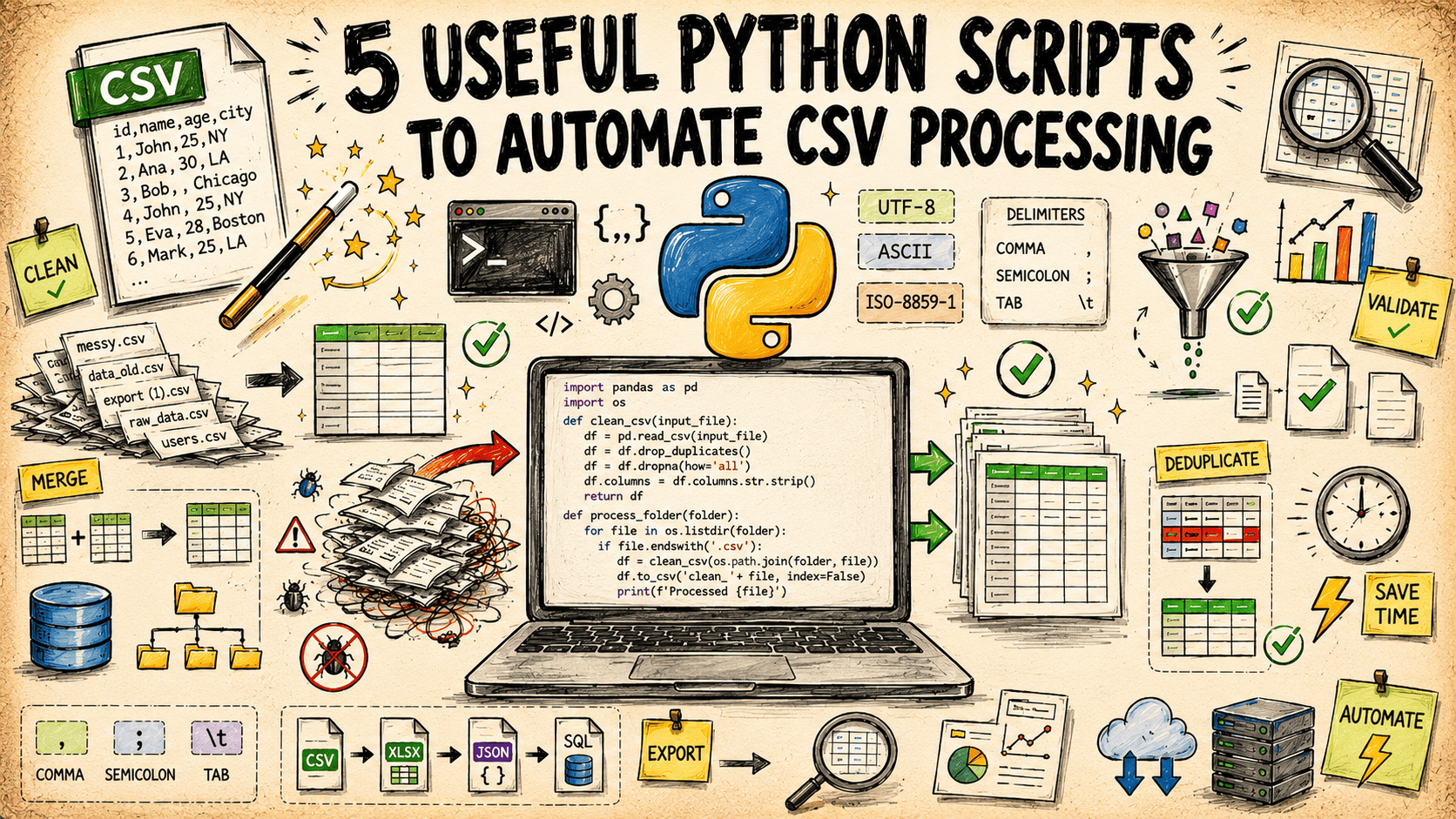
CSV files show up in almost every data workflow. Exports from databases, applications, and batch jobs often end up as .csv files, along with problems such as inconsistent delimiters, encoding errors, schema changes, and duplicate rows. The fixes are usually small. The work is repetitive, easy to get wrong under time pressure, and rarely worth building a custom tool for.
This article covers five common CSV tasks with self-contained Python scripts. Each script uses only the Python standard library, so you can run them without installing third-party packages or managing additional dependencies.
You can find all the scripts on GitHub.
1. Schema Validator
The Pain Point
A CSV that "looks fine" in a spreadsheet preview can still be missing a required column, have a date field full of text, or contain a numeric column that picked up a few blank strings. These issues usually surface downstream, in whatever system consumes the file, which makes them expensive to trace back.
What the Script Does
Checks a CSV against a schema you define — required columns, expected data types, and simple constraints like "must not be empty" or "must match a pattern." Produces a row-by-row error report instead of a pass/fail verdict, so you can see exactly which cells failed which rule.
How It Works
The schema is in a small JSON file: each column maps to a type such as int, float, date, string, email, an optional regex pattern, and whether it's required. The script streams the CSV row by row using csv.DictReader so it scales to large files without loading everything into memory, applies each rule per column, and collects failures with their row number and column name. It exits with a non-zero status code when validation fails, which makes it easy to drop into a pipeline as a gate before data moves further downstream.
⏩ Get the schema validator script
2. Row-Level Diff Tool
The Pain Point
Comparing two versions of the same CSV — such as yesterday's export with today's, or a source file with the data that landed in a database — often means reviewing two spreadsheets side by side. That approach becomes difficult to manage as the number of rows grows, making it easier to miss changes.
What the Script Does
Compares two CSV files using a key column or a combination of columns you specify, and reports which rows were added, which were removed, and which changed, field by field. Unchanged rows are ignored entirely, so the output stays focused on what actually moved.
How It Works
Both files are read into dictionaries keyed on the identifier column(s). The script computes set differences to find added and removed keys, then for rows present in both files compares each column value and records only the columns that differ, along with old and new values. Output is written as a CSV report with change_type, key, column name, old value, and new value, so it can be filtered or sorted by whoever reviews it.
3. Encoding and Delimiter Normalizer
The Pain Point
Not every CSV is actually comma-separated, and not every CSV is UTF-8. Files from older systems show up with semicolons, tabs, or a byte-order mark that breaks the first column header. Every one of these causes a downstream tool to either fail outright or parse the file wrong without complaint.
What the Script Does
Detects the delimiter and character encoding of an input file, then rewrites it as clean, UTF-8, comma-separated CSV. Strips byte-order marks, normalizes line endings, and reports what it detected and changed.
How It Works
The script reads a sample of the file in binary mode and tries a shortlist of common encodings, falling back to a byte-level heuristic if none decode cleanly. csv.Sniffer inspects a sample of the decoded text to guess the delimiter among comma, semicolon, tab, and pipe. The file is then re-read using the detected settings and re-written with Python's default CSV dialect, which uses comma delimiters, UTF-8 encoding, and \n line endings. A short summary printed to the console records the original encoding and delimiter so the change is auditable.
4. Configurable Column Transformer
The Pain Point
Renaming columns, reordering them, dropping ones you don't need, and deriving a new column from existing ones — like combining first and last name, or converting a currency string to a float — is easy in a spreadsheet for one file. Doing it consistently across dozens of files, or repeating it every time a new export arrives, is where it becomes worth automating.
What the Script Does
Applies a set of column operations defined in a config file: rename, drop, reorder, and derive. Derived columns are built from a small, safe expression syntax rather than arbitrary code, so the config file stays readable and doesn't require trusting arbitrary Python execution.
How It Works
The config is a JSON list of operations processed in order. rename and drop are dictionary and list operations, respectively. derive operations take a new column name and a template string like {first_name} {last_name} or {price_str} with a registered conversion function such as to_float, to_int, and strip_currency applied afterward. The script processes the file row by row with csv.DictReader and csv.DictWriter, so memory use stays flat regardless of file size, and writes the final column order exactly as specified in the config.
⏩ Get the column transformer script
5. Sampler and Field Anonymizer
The Pain Point
Sharing a slice of production data — with a teammate, a support ticket, or a test environment — means either sending the whole file or manually redacting sensitive columns in a spreadsheet.
What the Script Does
Takes a random sample of rows from a large CSV and, for any columns you flag as sensitive, replaces the real values with consistent, irreversible placeholders — the same input value always produces the same masked output within a run, so relationships between rows are preserved without exposing the original data.
How It Works
Reservoir sampling is used to pull a random, uniform sample of rows without first loading the entire file into memory, which matters for very large files. For each column marked as sensitive in the config, the script applies a keyed hash to the original value and truncates it to a short, readable token. For example, email addresses are replaced with consistent pseudonymous values, allowing referential relationships between rows to remain intact without retaining the original values. A summary line reports how many rows were sampled and which columns were masked.
⏩ Get the sampler and anonymizer script
Wrapping Up
These five scripts cover the CSV chores that show up constantly but don't quite justify writing bespoke code from scratch each time. Pick the one that matches your current task and go from there.
| Script Name | Purpose | Key Features | Best Use Case |
|---|---|---|---|
| Schema Validator | Check a CSV against a defined schema | Type checks, regex patterns, row-level error report | Gating data before it enters a pipeline |
| Row-Level Diff Tool | Compare two CSV snapshots | Key-based matching, field-level change detail | Auditing exports between runs |
| Encoding & Delimiter Normalizer | Standardize inconsistent CSV formats | Encoding detection, delimiter sniffing, BOM stripping | Cleaning up files from legacy systems |
| Column Transformer | Rename, drop, reorder, derive columns | Config-driven, safe expression syntax, streaming | Repeating the same reshape across many files |
| Sampler & Anonymizer | Sample rows and mask sensitive fields | Reservoir sampling, consistent keyed hashing | Sharing realistic data safely |
Happy automating!
Bala Priya is a developer, educator, and technical writer based in India. She writes about programming, data science, machine learning, and AI, with a focus on making complex technical ideas practical and approachable. She creates tutorials, how-to guides, and deep dives that help developers build, solve problems, and understand complex technical concepts. Her technical interests include LLM applications, agentic AI, graph algorithms, computer vision, explainable AI, and ML systems. When she’s not writing or coding, Bala is usually reading classic literature, epic fantasy, or speculative fiction... with a cup of coffee close by. She also enjoys talking about books, learning new things, and sharing what she learns with the developer community.