


How to Use AI Tools to Learn Data Science Faster in 2026
Discover how to combine AI assistants, coding tools, and adaptive platforms to cut your learning curve and build practical skills more efficiently.
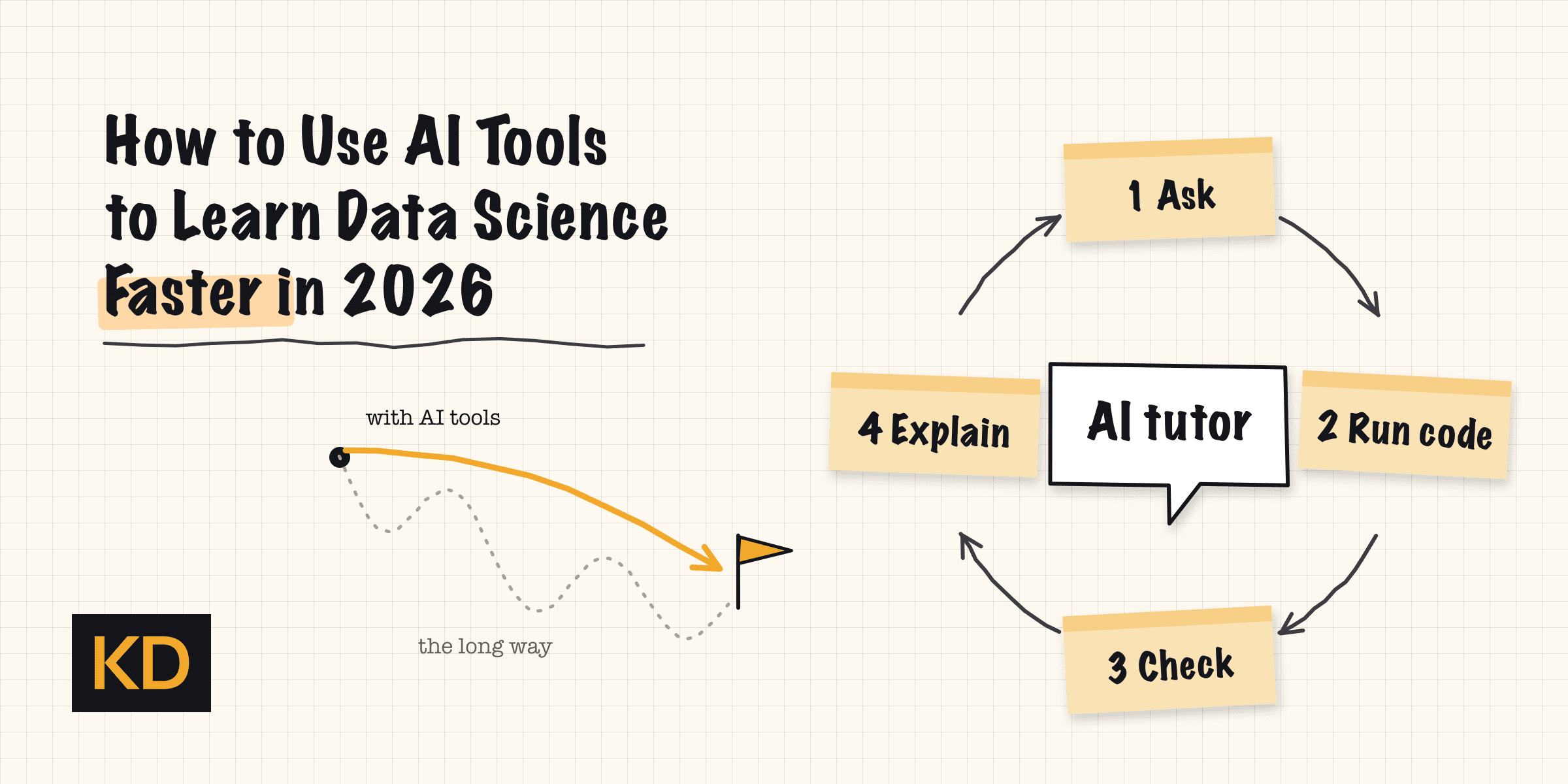
Learning data science is more accessible now than it's ever been, and AI tools are a big reason why. Where students once spent days debugging a single script or searching through documentation, they can now get instant, context-aware explanations and code suggestions in seconds.
But that accessibility comes with a catch. he best AI tools in 2026 reduce friction across the whole learning process. The best ones reduce friction across the entire learning process. The real question is which ones to use, and how to use them without letting them do all the thinking for you. The real question is which ones to use, and how to use them without letting them do all the thinking for you.
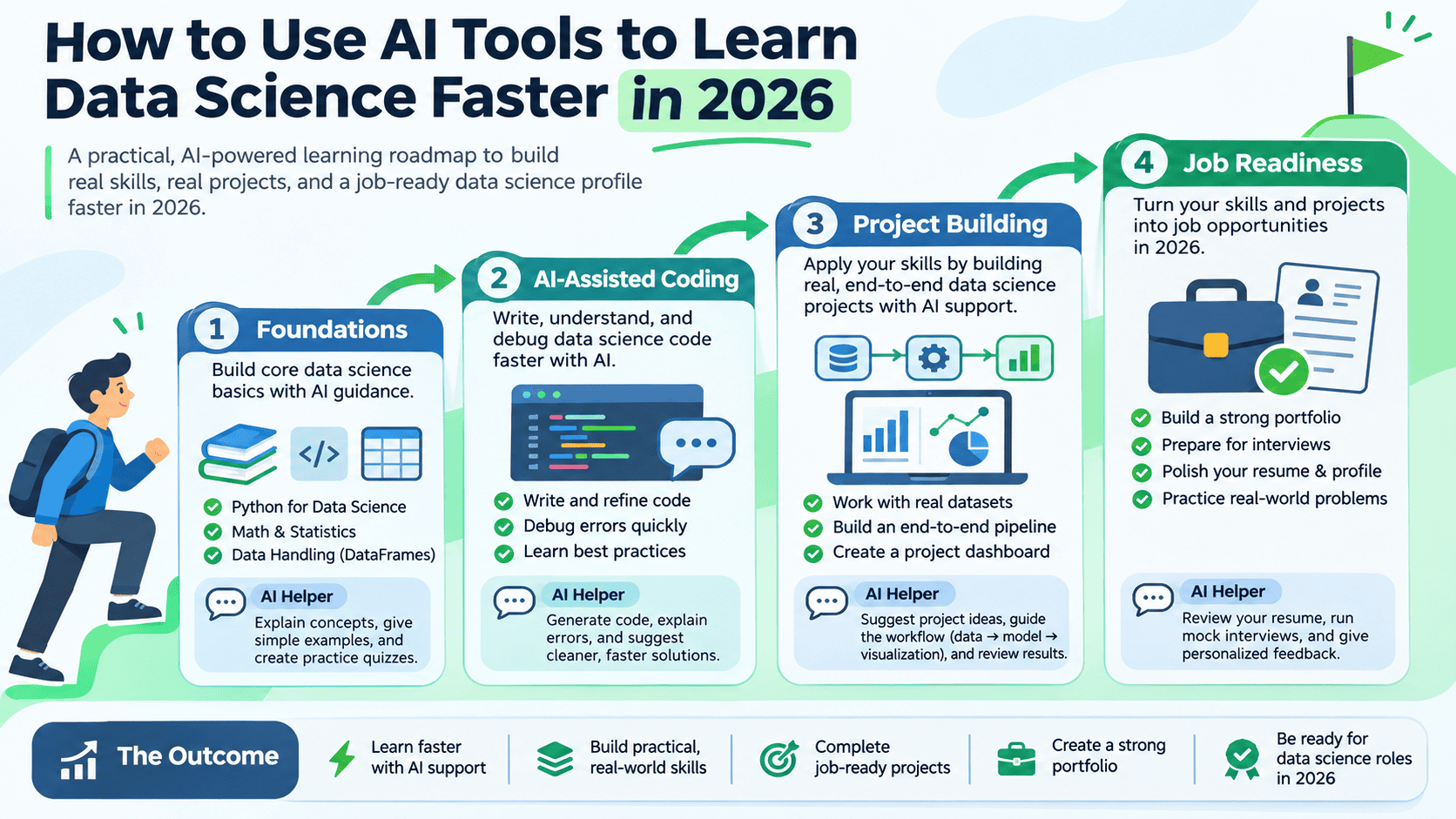
This guide walks through practical strategies for using AI tools at every stage of data science learning, from building Python foundations to preparing for your first data science role.
Getting the Foundation Right First
Before reaching for any AI tool, there's one principle worth establishing: don't learn AI before you learn analytics fundamentals.
This matters because AI assistants are most useful when you already have enough context to evaluate what they're telling you. If you ask an AI to explain a confusion matrix and you've never studied classification, the explanation will be surface-level at best and misleading at worst.
Start by building a working knowledge of Python, basic statistics, and data manipulation with libraries like pandas and NumPy. Once you have that grounding, AI tools become multipliers rather than crutches. Use them to go deeper, not to skip steps.
A solid starting point for structured learning is DataCamp, which offers an AI-native format with adaptive tutoring that adjusts to your skill level, pace, and context in real time. That kind of responsive feedback is especially useful early on, when misconceptions tend to compound if left uncorrected.
Using AI Assistants as On-Demand Tutors
With a foundation in place, conversational AI assistants become some of the most useful learning tools you have.
Tools like ChatGPT and Copilot can answer coding questions, break down complex concepts, and generate code snippets on demand. No office hours, no waiting.
The key is treating them as a thinking partner rather than a search engine. Instead of pasting an error and asking for a fix, describe what you were trying to accomplish, explain what you tried, and ask the assistant to walk you through what went wrong. That keeps you in the driver's seat while still getting the help you need.
Three concrete techniques worth trying during self-study:
Concept deep-dives. Ask the assistant to explain a concept multiple ways, then follow up until it clicks. If you're struggling with gradient descent, ask for a visual analogy, then ask how the learning rate affects convergence, then ask for a minimal Python implementation.
Code review. Paste your own code and ask for feedback. Not just "is this correct?" but "what would an experienced data scientist change about this, and why?"
Study planning. Share your current skill level and your learning goal (say, preparing for a machine learning role at a mid-size company) and ask the assistant to build a weekly study plan with specific resources and milestones.
Accelerating Coding with AI Coding Assistants
One of the biggest time sinks in learning data science is the gap between understanding a concept and being able to implement it cleanly in code. AI coding assistants close that gap.
For learners specifically, the benefit isn't just speed. It's the ability to see idiomatic, well-structured code alongside your own attempts, which trains your eye for quality over time.
GitHub Copilot is the most widely recommended option for data science contexts. Development teams using it report around 40% productivity gains on average, and for learners building portfolio projects, that speed translates directly into more finished work. That matters a lot for job seekers.
Cursor is another tool gaining traction, particularly for developers who want tighter control over how AI suggestions are integrated into their workflow.
When using a coding assistant for learning, don't accept every suggestion automatically. Treat each one as a prompt: do I understand why this code works? If not, ask the assistant to explain it line by line. That turns passive code generation into active learning.
Here's a simple workflow for working through a new concept:
# Step 1: Write your own attempt first
import pandas as pd

df = pd.read_csv('sales_data.csv')
monthly = df.groupby('month')['revenue'].sum()
print(monthly)
This calculates monthly revenue totals from a sales dataset.
# Step 2: Ask the assistant to suggest improvements
# Copilot or ChatGPT might suggest:
monthly = (
    df.groupby('month')['revenue']
    .sum()
    .reset_index()
    .rename(columns={'revenue': 'total_revenue'})
)
Comparing both versions and asking why the second approach is preferred builds intuition faster than tutorials alone.
Building Projects with AI Guidance
Portfolio projects are still the most effective way to demonstrate data science skills to employers. AI tools have made it easier to scope and execute them well.
Most learners struggle more with direction than motivation. What dataset? What question? What level of complexity? AI assistants can help you answer all three, then serve as a sounding board as you build.
A practical approach: describe your current skill level and target role to an AI assistant and ask it to suggest three portfolio project ideas that demonstrate relevant competencies. Once you pick one, ask it to help outline the project structure, including what exploratory data analysis to run, what models to try, and how to frame your findings.
From there, use the assistant as you go. When you get stuck on a visualization, describe what you're trying to show and ask for suggestions. When model performance is lower than expected, ask for a systematic list of things to investigate.
Jupyter Notebook remains the standard environment for this kind of exploratory work. Many AI assistants integrate directly with Jupyter through extensions, so you can get help without leaving your workflow.
Using AI for Concept Reinforcement and Self-Testing
One often-overlooked use of AI tools is active recall, one of the most well-supported learning techniques around. Instead of re-reading notes, ask an AI assistant to quiz you.
A prompt like "Quiz me on the difference between bagging and boosting. Ask me five questions, one at a time, and tell me if my answer is correct before moving on" turns a passive review session into active retrieval practice.
You can extend this to code challenges. Ask the assistant for a machine learning problem with a dataset description and expected output, then try to write the solution before asking for hints. This mirrors the format of technical interviews and builds both skill and confidence.
For learners using Dataquest or similar interactive platforms, the browser-based coding exercises already build in this active practice model. Pairing them with an AI assistant for the moments you're genuinely stuck, rather than at the first sign of difficulty, gives you the best of both.
Staying Current with Emerging Tools and Research
Data science moves fast, and AI tools help you keep up with less effort.
In 2026, the role of the data scientist has shifted from "model builder" to "AI orchestrator." That means learners need to understand not just classical machine learning methods but also how to work with large language models, build retrieval-augmented generation (RAG) systems, and use frameworks like LangChain and LlamaIndex.
Both have become standard tools for building AI agents and RAG systems, and knowing your way around them is increasingly expected.
Use conversational AI assistants to get quick, plain-language summaries of new papers or techniques before deciding whether they warrant deeper study. Ask for comparisons between methods you already know and newer approaches. That keeps your mental model current without requiring you to read every technical paper in full.
A good habit: spend fifteen minutes each week asking an AI assistant what the most discussed developments in machine learning or data science have been recently, and which ones are most relevant for your focus area.
Recommended Tools to Start With
A practical starting set for different stages of learning:
For structured learning: DataCamp, Dataquest, and Coursera are the strongest platforms. DataCamp's adaptive AI tutoring is a notable advantage for self-directed learners.
For conversational help: ChatGPT and Claude both work well for technical education. Claude handles multi-step explanations particularly well.
For coding assistance: GitHub Copilot is the most broadly recommended option for data science workflows, with solid integration across Jupyter, VS Code, and PyCharm.
For staying current: Perplexity works well for research-backed, citation-driven answers when you want to verify claims against sources rather than relying on a single model's output.
Wrapping Up
AI tools won't learn data science for you, but they'll make the process faster when you use them with some intention. The learners who get the most out of them use AI to go deeper on concepts they're actively studying, to get unstuck without giving up, and to build more finished projects in less time.
Start with your foundations, pick one or two tools that fit your current workflow, and stay an active learner rather than a passive consumer of AI-generated output. The skills you build that way hold up in any role.
Vinod Chugani is an AI and data science educator who bridges the gap between emerging AI technologies and practical application for working professionals. His focus areas include agentic AI, machine learning applications, and automation workflows. Through his work as a technical mentor and instructor, Vinod has supported data professionals through skill development and career transitions. He brings analytical expertise from quantitative finance to his hands-on teaching approach. His content emphasizes actionable strategies and frameworks that professionals can apply immediately.