


Open Notebook: A True Open Source Private NotebookLM Alternative?
Open Notebook is an open-source, AI-powered platform designed to help users take, organize, and interact with notes while keeping full control over their data.
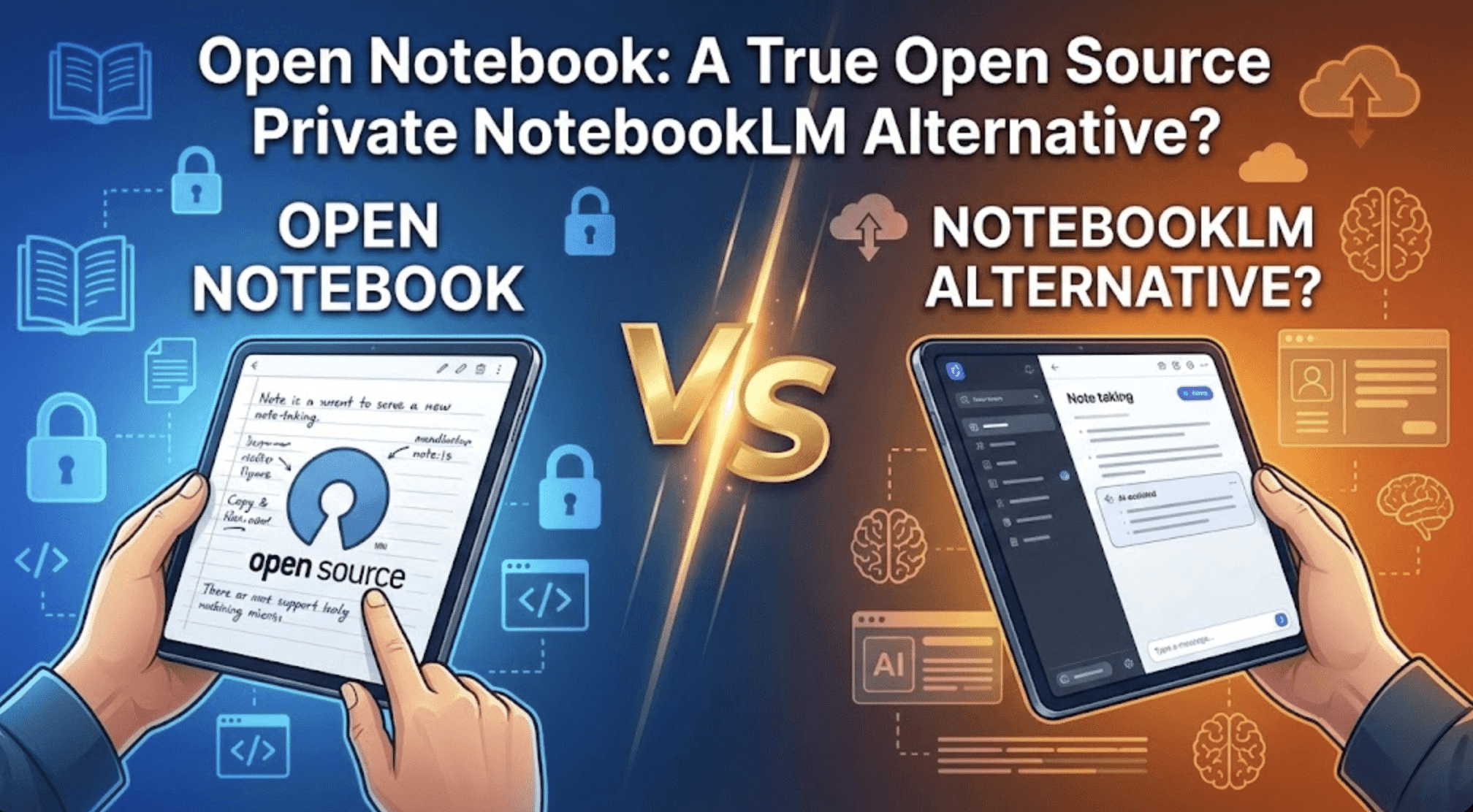
Image by Author
# Introduction
As artificial intelligence becomes a central part of research and learning, the tools we use to organize and analyze information have started handling some of our most sensitive data. Cloud-based AI notebooks, while convenient, often lock users into proprietary ecosystems and expose research notes, reading backlogs, and intellectual property to external servers. For students, researchers, and independent professionals, this creates a real privacy risk — anything from unpublished work to personal insights could be inadvertently stored, logged, or even used to train external models.
The rise of AI-powered note-taking and knowledge management platforms has accelerated this problem. Tools that integrate summarization, insight extraction, and contextual Q&A make learning faster, but they also increase the amount of sensitive data flowing to cloud services.
Studies have shown that AI models can unintentionally memorize and reproduce user-provided data, raising concerns for anyone handling proprietary or personal research. In this article, we explore Open Notebook, an open-source platform designed to provide AI-assisted note-taking while keeping user data private.
# Analyzing the Limitations of Cloud-Only Notebook Solutions
Cloud-based AI notebooks, such as Google NotebookLM, offer convenience and seamless integration, but these benefits come with trade-offs. Users are subject to data lock-in, where notes, annotations, and context are bound to the provider’s ecosystem. If you want to switch services or run a different AI model, you face high costs or technical barriers. Vendor dependency also limits flexibility — you cannot always choose your preferred AI model or modify the system to suit specific workflows.
Another concern is the "data tax." Every piece of sensitive information you upload to a cloud service carries risk, whether from potential breaches, misuse, or unintended model training. Independent researchers, small teams, and privacy-conscious learners are particularly vulnerable, as they cannot easily absorb the operational or financial costs associated with these risks.
# Defining Open Notebook
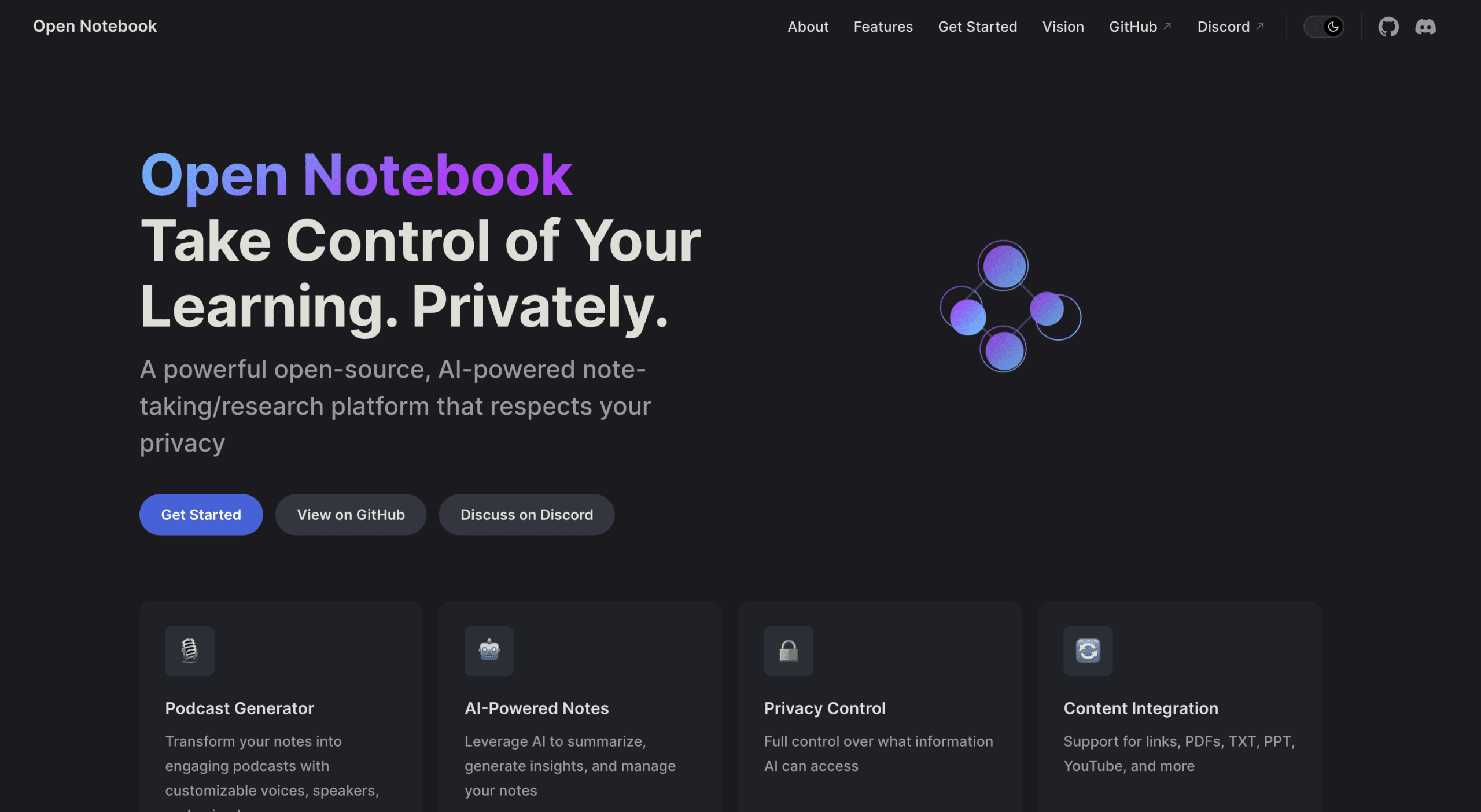
Open Notebook is an open-source, AI-powered platform designed to help users take, organize, and interact with notes while keeping full control over their data. Unlike cloud-only alternatives, it allows researchers, students, and professionals to manage their workflows without exposing sensitive information to third-party servers. At its core, Open Notebook combines AI-assisted summarization, contextual insights, and multimodal content management with a privacy-first design, offering a balance between intelligence and control.
The platform targets users who want more than just note storage. It is ideal for learning enthusiasts handling large reading backlogs, independent thinkers seeking a cognitive partner, and professionals who need privacy while leveraging artificial intelligence. By enabling local deployment or self-hosting, Open Notebook ensures that your notes, PDFs, videos, and research data remain entirely under your control, while still benefiting from AI capabilities.
# Highlighting Core Features That Set Open Notebook Apart
Open Notebook goes beyond traditional note-taking by integrating advanced AI tools directly into the research workflow. The focus on self-hosting and data ownership directly addresses concerns about vendor lock-in, privacy exposure, and flexibility limitations inherent in cloud-only solutions. Researchers and professionals can deploy the platform in minutes and integrate it with their preferred AI models or application programming interfaces (APIs), creating a truly customizable knowledge environment.
- AI-Powered Notes: The platform can summarize large text passages, extract insights, and create context-aware notes that adapt to your research needs. This helps users quickly convert reading material into actionable knowledge.
- Privacy Controls: Every user has complete control over which AI models interact with their content. Local deployment ensures that sensitive data never leaves the device unless explicitly allowed.
- Multimodal Content Integration: Open Notebook supports PDFs, YouTube videos, TXT, PPT files, and more, enabling users to consolidate different types of research materials in one place.
- Podcast Generator: Notes can be transformed into professional podcasts with customizable voices and speaker configurations, making it easy to review and share content in audio format.
- Intelligent Search & Contextual Chat: The platform performs full-text and vector searches across all content and enables AI-driven Q&A sessions, allowing users to interact with their knowledge base naturally and efficiently.
Together, these features make Open Notebook not just a note-taking tool but a versatile research companion that respects privacy without sacrificing AI-powered capabilities.
# Comparing Open Notebook and NotebookLM
Open Notebook positions itself as a privacy-first, open-source alternative to Google NotebookLM. While both platforms offer AI-assisted note-taking and contextual insights, the differences in deployment, flexibility, and data control are significant. The table below highlights key contrasts between the two:
| Feature | Google NotebookLM | Open Notebook |
|---|---|---|
| Deployment | Cloud-only, proprietary | Self-hosted or local, open-source |
| Data Privacy | Data stored on Google servers, limited control | Full control over data, never leaves the local environment unless specified |
| AI Model Flexibility | Fixed to Google’s models | Supports multiple models, including local AI via Ollama |
| Integration Options | Limited to the Google ecosystem | API access for custom workflows and external integrations |
| Content Types | Text and basic notes | PDFs, PPTs, TXT, YouTube videos, audio, and more |
| Cost | Subscription-based | Free and open-source, zero-cost local deployment |
| Community Contribution | Closed development | Open-source, community-driven roadmap and contributions |
| Podcast Generation | Not available | Multi-speaker, customizable audio podcasts from notes |
# Deploying Open Notebook
One of Open Notebook’s biggest advantages is its ability to be deployed quickly and easily. Unlike cloud-only alternatives, it runs locally or on your server, giving you complete control over your data from day one. The recommended deployment method is Docker, which isolates the application, simplifies setup, and ensures consistent behavior across systems.
// Docker Deployment Steps
Step 1: Create a directory for Open Notebook
This will store all configuration and persistent data.
mkdir open-notebook
cd open-notebook
Step 2: Run the Docker container
Execute the following command to start Open Notebook:
docker run -d \
  --name open-notebook \
  -p 8502:8502 -p 5055:5055 \
  -v ./notebook_data:/app/data \
  -v ./surreal_data:/mydata \
  -e OPENAI_API_KEY=your_key \
  lfnovo/open_notebook:v1-latest-single
Explanation of parameters:
-druns the container in detached mode--name open-notebooknames the container for easy reference-p 8502:8502 -p 5055:5055maps ports for the web interface and API access-v ./notebook_data:/app/dataand-v ./surreal_data:/mydatamount local folders to persist notes and database files. This ensures that your data is stored on your machine and remains intact even if the container is restarted-e OPENAI_API_KEY=your_keyallows integration with OpenAI models if desiredlfnovo/open_notebook:v1-latest-singlespecifies the container image
Step 3: Access the platform
After running the container, navigate to:
- Main Interface: http://localhost:8502
- API Access: http://localhost:5055
- API Documentation: http://localhost:5055/docs
// Folder Structure and Persistent Storage
After deployment, you will have two main folders in your local directory:
- notebook_data: Stores all your notes, summaries, and AI-processed content
- surreal_data: Contains the underlying database files for Open Notebook’s internal storage
By keeping these folders on your machine, Open Notebook guarantees data persistence and full control. You can back up, migrate, or inspect these files at any time without depending on a third-party service.
From creating the directory to accessing the interface, Open Notebook can be up and running in under two minutes. This simplicity makes it accessible to anyone who wants a fully private, AI-powered notebook without a complex installation process.
# Exploring Practical Use Cases
Open Notebook is designed to support a variety of research and learning workflows, making it a versatile tool for both individuals and teams.
For individual researchers, it provides a centralized platform to manage large reading backlogs. PDFs, lecture notes, and web articles can all be imported, summarized, and organized, allowing researchers to quickly access insights without manually sifting through dozens of sources.
Teams can use Open Notebook as a private, collaborative knowledge base. With local or server deployment, multiple users can contribute notes, annotate shared resources, and build a collective AI-assisted repository while keeping data internal to the organization.
For learning enthusiasts, Open Notebook offers AI-assisted note-taking without compromising privacy. Context-aware chat and summarization features enable learners to engage with material more effectively, turning large volumes of content into digestible insights.
Advanced workflows include integrating PDFs, web content, and even generating podcasts from notes. For example, a researcher could feed in multiple PDFs, extract the key findings, and convert them into a multi-speaker podcast for review or sharing within a study group, all while keeping content completely private.
# Ensuring Privacy and Data Ownership
Open Notebook’s architecture prioritizes privacy by design. Local deployment means that notes, databases, and AI interactions are stored on the user’s machine or the organization’s server. Users control which AI models interact with their data, whether using OpenAI models via API, local AI models, or any custom integration.
API access allows seamless workflow integration without exposing content to third-party cloud services. This design ensures that context, insights, and metadata are never shared externally unless explicitly authorized to do so.
Being fully open-source under the MIT License, Open Notebook encourages transparency and community contributions. Developers and researchers can review the code, propose improvements, or customize the platform for specific workflows, reinforcing trust and ensuring the platform aligns with the user’s privacy expectations.
# Wrapping Up
Open Notebook represents a viable, privacy-first alternative to proprietary solutions like Google NotebookLM. By enabling local deployment, flexible AI integration, and open-source contributions, it empowers users to maintain full control over their notes, research, and workflows.
For developers, researchers, and independent learners, Open Notebook is more than a tool; it’s an opportunity to reclaim control over AI-assisted learning and research, explore new ways to manage knowledge, and actively contribute to a platform built around privacy, transparency, and community.
Shittu Olumide is a software engineer and technical writer passionate about leveraging cutting-edge technologies to craft compelling narratives, with a keen eye for detail and a knack for simplifying complex concepts. You can also find Shittu on Twitter.