


Tech Stack for Vibe Coding Modern Applications
Stop fighting AI. Use a tech stack AI understands and can build a paid SaaS within minutes.
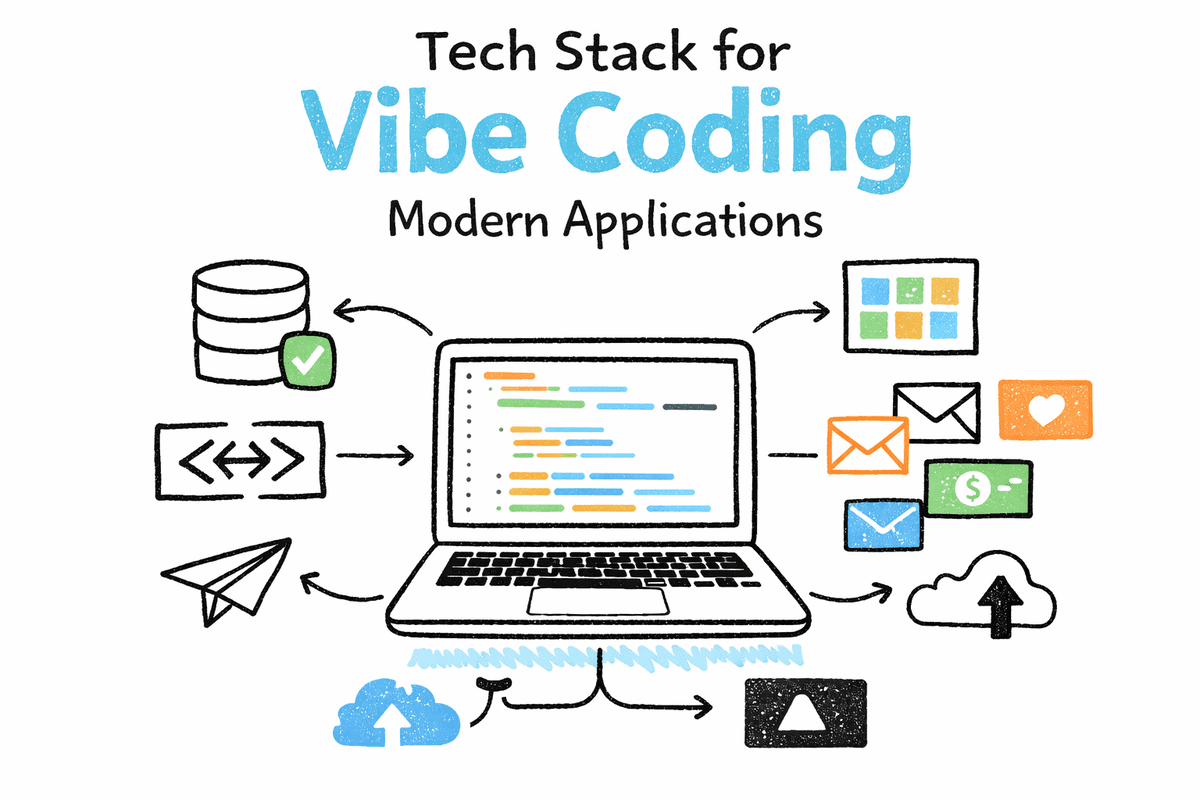
Image by Author
I used to hate vibe coding. I believed I could write better code, design cleaner systems, and make more thoughtful architectural decisions on my own. For a long time, that was probably true. Over time, things changed. AI agents improved significantly. MCP servers, Claude skills, agent workflows, planning-first execution, and long-horizon coding tools turned vibe coding from a gimmick into a practical way to build real systems.
At some point, I gave in. Since then, I have been using Claude Code and OpenCode to build systems that I would normally consider too complex for rapid iteration. These include payment platforms, stablecoin wallets, book reading applications, and full-stack production-ready web systems. What surprised me was not just the speed, but the consistency of results once the right structure and tools were in place.
The real problem most people face with vibe coding is not writing code.
It is choosing the right tech stack.
Frontend, backend, authentication, databases, storage, email, payments, and deployment all come with countless options. Without a clear stack, even strong AI coding agents struggle to make good decisions. When an agent is given a well-defined and opinionated tech stack, it can reliably build an end-to-end application with far less friction.
That is what this article focuses on.
I will walk through my go-to tech stack for vibe coding modern applications. This is the stack I reuse because it works. We will cover how the pieces fit together, what each tool is responsible for, and how to go from zero to a production-ready system. I will also share a Claude Code sample prompt and optional tools that help turn a working prototype into a system ready for production.
# My Tech Stack and Why This Stack Works
In this section, I will break down the exact tech stack I use for vibe coding and explain why these tools work so well together when building real applications.
The Stack
- Next.js (App Router) -> Frontend and layouts
- shadcn/ui -> UI components
- Server Actions + Routes -> Backend logic and webhooks
- Supabase -> Database, auth, storage
- Resend -> Transactional emails
- Stripe -> Payments and subscriptions
- Vercel -> Deployment and previews
This stack is intentionally simple. You can use the free tier of every platform listed here, which makes it ideal if you are starting out. You can deploy a full application to Vercel for free and connect managed services without upfront cost.
Why This Stack Scales Without Getting Messy
Two Next.js primitives do most of the heavy lifting as the app grows:
- Server Actions handle form submissions and server-side mutations. They keep data writes close to the UI and remove a lot of boilerplate that normally appears early.
- Route Handlers handle webhooks, health checks, and custom endpoints. This gives you a clean place for external systems to talk to your app without polluting your UI logic.
Supabase gives you database, authentication, and storage with a security model that lives close to the data. If you enable Row Level Security early, authorization stays consistent as the system grows and you avoid painful migrations later.
Resend keeps transactional email simple and environment-driven.
Stripe Checkout paired with webhooks gives you a reliable way to convert payments into real entitlements instead of scattered feature flags.
Vercel keeps preview and production deployments aligned, so you are testing in real environments from day one.
This stack works well for vibe coding because it is opinionated, predictable, and easy for an AI coding agent to reason about. Once the boundaries are clear, the system almost builds itself.
# Build Plan from Zero to a Paid MVP
This build plan is designed for vibe coding with real tools. The goal is to get a production-ready skeleton first, then add capability in small phases without breaking earlier decisions. Each phase maps directly to the stack you are using, so an AI coding agent can follow it end to end.
Phase 1: MVP Foundation
Build the full product loop with minimal scope.
- Set up Next.js (App Router) project with Vercel deployment
- Dashboard shell and navigation using shadcn/ui
- Authentication flows using Supabase Auth (signup, login, reset)
- One core user-owned table in Supabase Postgres
- CRUD screens powered by Next.js Server Actions
- Preview deployments on every change via Vercel
At the end of this phase, you already have a usable app running in production, even if the feature set is small.
Phase 2: Data Safety and Access Control
Lock down user data before adding more features.
- Enable Row Level Security on user-owned tables in Supabase
- Define read and write policies based on ownership
- Use consistent patterns like owner_id, created_at, updated_at
- Validate access rules through real UI flows, not just SQL
This phase prevents future rewrites and keeps security aligned with how the app actually works.
Phase 3: Email and Storage
Add trust and file handling.
- Transactional emails via Resend (welcome, verification, resets)
- Private storage buckets using Supabase Storage
- Upload flows that respect the same ownership rules as your database
- Signed URLs or controlled access based on user identity
This is where the product starts to feel complete instead of experimental.
Phase 4: Billing and Entitlements
Turn usage into revenue.
- Create Stripe Checkout sessions and redirect users
- Handle Stripe webhooks with Next.js Route Handlers
- Store subscription or purchase state in Supabase
- Gate premium features based on stored entitlements
- Make webhook handling idempotent using processed event IDs
By the end of this phase, you have a paid MVP that can scale without changing core architecture.
# Claude Code Starter Prompt
You can replace “Book Shop + Reader MVP” with your own idea using the same Claude Code prompt.
Build a **Book Shop + Reader MVP** using this stack:
- Next.js App Router
- shadcn/ui
- Supabase (Postgres, Auth, Storage)
- Resend
- Stripe (Checkout + webhooks)
- Vercel

## Goal
Ship a production-ready Book Shop and Reader with paid access.

## Build
- Public pages: landing, pricing, book list
- Auth: sign up, sign in, reset password
- Protected app: reader dashboard

## Data
- `books`, `chapters`
- Row Level Security so users access only their own data

## Features
- CRUD via Server Actions
- Reader view with progress tracking
- Private storage for book assets
- Welcome email
- Stripe Checkout + webhook-based entitlements

## Output
- Clean app structure
- Minimal dependencies
- README with setup, env vars, migrations, Stripe, and Vercel steps
- Manual verification checklist per feature
All you need to do is switch Claude Code to Plan Mode, paste the prompt, and change the idea or adjust the scope based on your needs.
Once you start, Claude will plan the system first and then begin building step by step without friction. It will also guide you through setting up required services, creating accounts on third-party platforms, and generating API keys where needed.
This makes it easy to go from an idea to a working application without getting stuck on setup or decisions.
# Optional Tools
These tools are not required to ship the first version, but they help you test, monitor, and harden the application as it grows in real usage.
| Category | Tool options | What it helps with | When to add it |
|---|---|---|---|
| Unit tests | Vitest | Fast tests for utilities and server logic | Once core CRUD works |
| Component tests | React Testing Library | Catch UI regressions in forms and states | After the dashboard stabilizes |
| End-to-end tests | Playwright | Full user flows: signup → create → pay | Before adding more features |
| Error tracking | Sentry | Stack traces, release health, alerting | As soon as real users arrive |
| Logs | Axiom or Logtail | Searchable request logs, webhook debugging | When webhooks and billing go live |
| Performance checks | Lighthouse (CI) | Catch slow pages and oversized bundles | Before marketing launches |
| Schema and migrations | Drizzle Kit or SQL migrations | Repeatable schema changes | The moment you have 2+ tables |
| Background jobs | Inngest or Trigger.dev | Async work: emails, exports, cleanup | When workflows expand beyond requests |
| Rate limiting | Upstash Redis (or similar) | Protect auth endpoints and webhooks | When traffic becomes real |
| Product analytics | PostHog (or similar) | Funnels, activation, feature usage | After you know what you measure |
# Final Thoughts
Modern development and engineering tools are evolving fast. Most of them are now designed with AI integration in mind, offering good documentation, APIs, and MCP-style access so AI agents can work with them directly and build software faster than ever.
If you are a data scientist who has never touched web development, or a complete beginner who wants to build something real or launch a startup, I strongly recommend starting with this tech stack. It requires minimal setup and lets you deploy a working application almost immediately.
It took me nearly three months to test and compare tools before settling on this stack. Starting here will save you that time.
If you want more flexibility later, you can split things out. For example, use Neon for the database, Clerk for authentication, and keep everything else the same. Spreading responsibilities across tools makes it easier to replace one part without breaking the rest as your system grows.
Start simple, ship early, and evolve only when you need to.
Abid Ali Awan (@1abidaliawan) is a certified data scientist professional who loves building machine learning models. Currently, he is focusing on content creation and writing technical blogs on machine learning and data science technologies. Abid holds a Master's degree in technology management and a bachelor's degree in telecommunication engineering. His vision is to build an AI product using a graph neural network for students struggling with mental illness.