


Warp: The Intelligent AI-Powered Terminal
Effortlessly run terminal commands, enhance projects with AI, collaborate with your team, and access features quickly, all through a sleek, modern interface designed for efficiency.
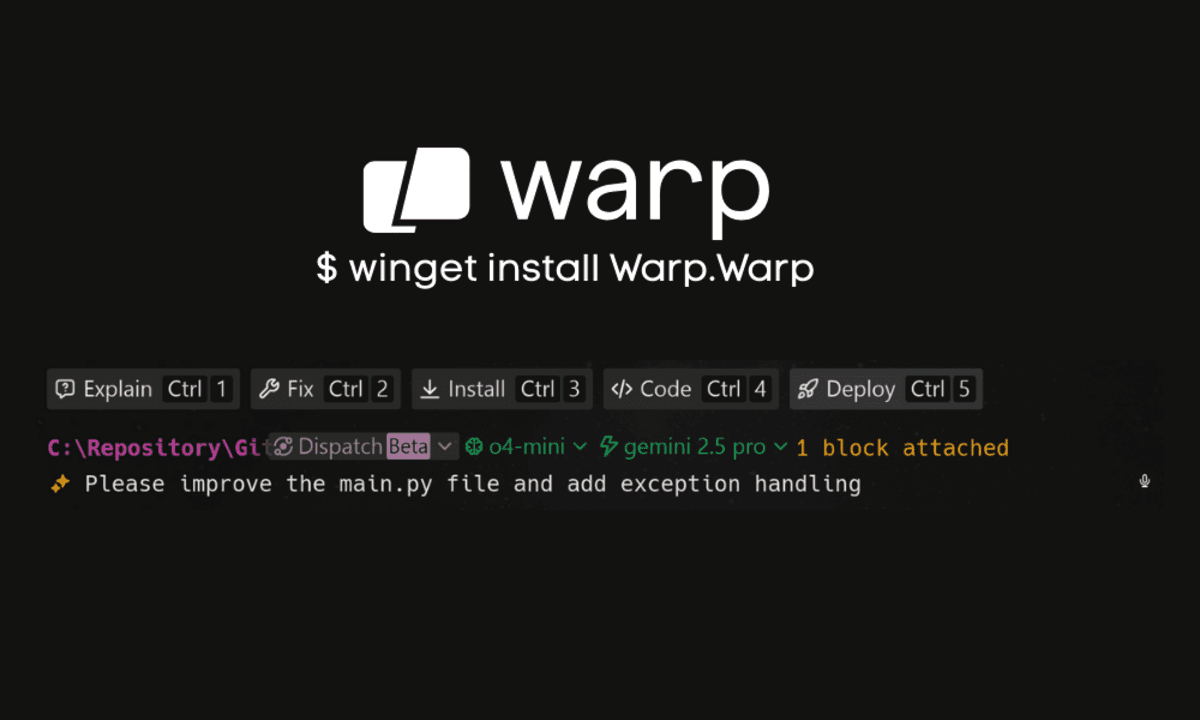 Image by Author
As machine learning engineers or data scientists, we often spend countless hours in the terminal, running Python scripts, creating directories, executing shell commands, setting up development environments, and much more. But what if I told you there is a tool that can enhance your terminal experience and productivity by 10X?
In this article, we will learn about Warp, the intelligent terminal that is designed to transform the way you work. We will cover how to set it up, explore its key features, and walk through visual examples that highlight its capabilities. Warp is very easy to use. Once you understand it, you will be able to debug complex projects and tackle tasks you have been avoiding for weeks.
What is the Warp Terminal?
Warp is a next-generation intelligent terminal designed to transform the way developers work through modern design, AI capabilities, and team collaboration tools.
Warp AI enables natural language input, autofill, and intelligent suggestions, making it faster and more intuitive to write and execute commands. Meanwhile, Warp Drive introduces collaborative features. The user interface organizes commands and outputs into clean, easy-to-read blocks. It seamlessly integrates with popular shells like zsh, bash, fish, and PowerShell, and is built with Rust for exceptional performance.
Getting Started with Warp
To get started, visit the official Warp website and download the latest version of the application. Once installed, launch the application to begin.
1. Terminal Commands
Upon launching Warp, you will notice that it looks similar to any other shell or terminal you are used to, apart from some enhanced themes.
You can type any terminal command, and it will execute seamlessly.

2. Command Palette
Warp includes a command palette similar to Visual Studio Code (VSCode). To open it, press “Ctrl + Shift + P”. From there, you can search for commands or select from the suggested options. This feature makes navigating and executing tasks within Warp incredibly efficient.

3. Warp AI
To access Warp AI, simply type your query in natural language. The AI will understand that it is a user prompt rather than a command and will begin performing the requested tasks for you.
The AI analyzes your project directory and files.

It generates a comprehensive summary of the project.
Now I have a comprehensive understanding of the project and can explain it in detail.

The Keyword-Code-Search project is a tool that helps developers search their codebase for specific keywords and get explanations about the code using GPT-4.1. Here's how it works:

1. Project Overview:
•  It's a command-line tool built in Python
•  Allows users to search their codebase for specific keywords
•  Uses OpenAI's GPT-4.1 to generate explanations about the code
•  Supports various file types (.py, .js, .txt, .md, .html, .css, .sh)

2. Main Components:
•  main.py: The entry point that handles user interaction and orchestrates the search and explanation process
•  searcher.py: Contains the logic for searching through the codebase and extracting relevant code snippets
•  gpt_explainer.py: Handles the integration with OpenAI's API to get explanations from GPT-4.1
•  requirements.txt: Lists the project dependency (only openai)

3. How it Works:
•  The user enters a question about their codebase
•  The tool extracts keywords from the question (removing stop words)
•  It searches for these keywords in the specified codebase directory
•  For each match, it extracts the matching line plus 2 lines of context before and after
•  These code snippets are sent to GPT-4.1 along with the user's question
•  GPT-4.1 generates an explanation that is streamed back to the user

4. Requirements:
•  Python 3.8+
•  OpenAI Python library
•  An OpenAI API key with access to GPT-4.1

5. Usage:
•  The tool is started with python main.py --path /path/to/your/codebase
•  It then starts an interactive session where users can ask multiple questions
•  Type 'quit' to exit the chat

This is a lightweight but practical tool for developers who want to quickly search through their codebase and get AI-powered explanations about specific parts of their code.
4. Warp Pair
Warp’s pair mode enables collaboration between the user and AI. You can invoke it manually by pressing “Ctrl + I”. Once activated:
- You can choose the AI model of your choice
- Ask the AI to perform tasks like improving project documentation

It will ask for your permission to create a plan using the O3 model or to proceed without a plan. The Warp pair mode involves collaboration between the user and the AI. This means that the AI will suggest options, and you can select from these suggestions to complete the tasks.

It has asked permission to execute the shell command. You can accept this request or reject it. You are in full control of the process.

When you approve the request, the AI will make changes to the repository.

5. Warp Dispatch
For a fully autonomous AI experience, Warp offers dispatch mode, which you can activate by pressing “Ctrl + Shift + I”.
In dispatch mode, the AI operates autonomously, making decisions and changes without requiring explicit user permissions.
In this scenario, we have change the reasoning model to o4-mini, and the LLM was set to Gemini 2.5 Pro.

As we can see, the agent has made changes without asking for our permission.

Here are the changes it made.

Warp Key Features
We have covered a few features in the above section, but here is the complete list of major features that will improve your workflow by 10X.
- Warp AI: This feature integrates AI capabilities directly into the terminal, including Agent Mode, Voice, Generate, and Autonomy
- Command Palette: A global search tool within Warp that enables users to quickly find Workflows, Notebooks, keyboard shortcuts, or other actions.
- Warp Drive: This acts as a workspace within the terminal for saving and managing Workflows, Notebooks, Prompts, and Environment Variables.
- Blocks: Commands and their corresponding outputs are grouped together into atomic units called Blocks.
- Modern Text Editing: Warp's input editor functions like a modern IDE or text editor, offering a familiar editing experience unlike traditional terminals.
- Command Completions: Warp provides features for command completions and autosuggestions including AI-powered suggestions to improve accuracy
- Session Management: Warp includes features for managing sessions in various ways.
- Markdown Viewer: Users can open and view Markdown files directly within the terminal and run commands from them.
- Files, Links, & Scripts: Warp allows users to quickly open files and links or run scripts using the mouse.
Final Thoughts
Warp is a blazingly fast terminal that combines modern design, seamless AI integration, and powerful collaboration tools. It offers a wide range of customizations, allowing you to create an experience tailored to your preferences. For developers working on projects like SaaS products or complex systems, Warp even includes a speech-to-text feature, making it possible to build without needing to touch the keyboard.
I love Warp for its modern design and the smooth integration of AI. I haven't tested all the features since there are so many things to explore, but I am really enjoying the AI capabilities. They offer access to almost all of the top-tier LLMs for free now.
Abid Ali Awan (@1abidaliawan) is a certified data scientist professional who loves building machine learning models. Currently, he is focusing on content creation and writing technical blogs on machine learning and data science technologies. Abid holds a Master's degree in technology management and a bachelor's degree in telecommunication engineering. His vision is to build an AI product using a graph neural network for students struggling with mental illness.