


5 AI Code Editors to Use in 2025
Unlock the power of modern AI code editors with features like intelligent autocomplete, agentic chat, inline edits, terminal suggestions, and more.
Image by Author
AI code editors are revolutionizing the way we code and build applications. Instead of digging through documentation or forums, you can simply ask AI assistants to fix issues—and they get it right 90% of the time. These next-gen editors can analyze your files, provide context-aware responses, and even create or edit multiple files simultaneously using an agentic approach. This saves time by letting you provide instructions once, and the AI handles everything—from building applications to configuring files.
In this article, we will explore the top 5 AI code editors that everyone should try at least once. Each stands out with unique features, and I personally rely on them daily for building websites and creating tutorials.
1. Cursor
The Cursor code editor is my favorite tool for making quick edits and building applications for tutorials. It is fast and responsive and understands my inquiries by analyzing the source code. With the AI feature, you can chat with your source code, create and edit multiple files, or identify bugs within the code. It offers terminal autocompletion and also autocomplete for various file types, including markdown and JSON.
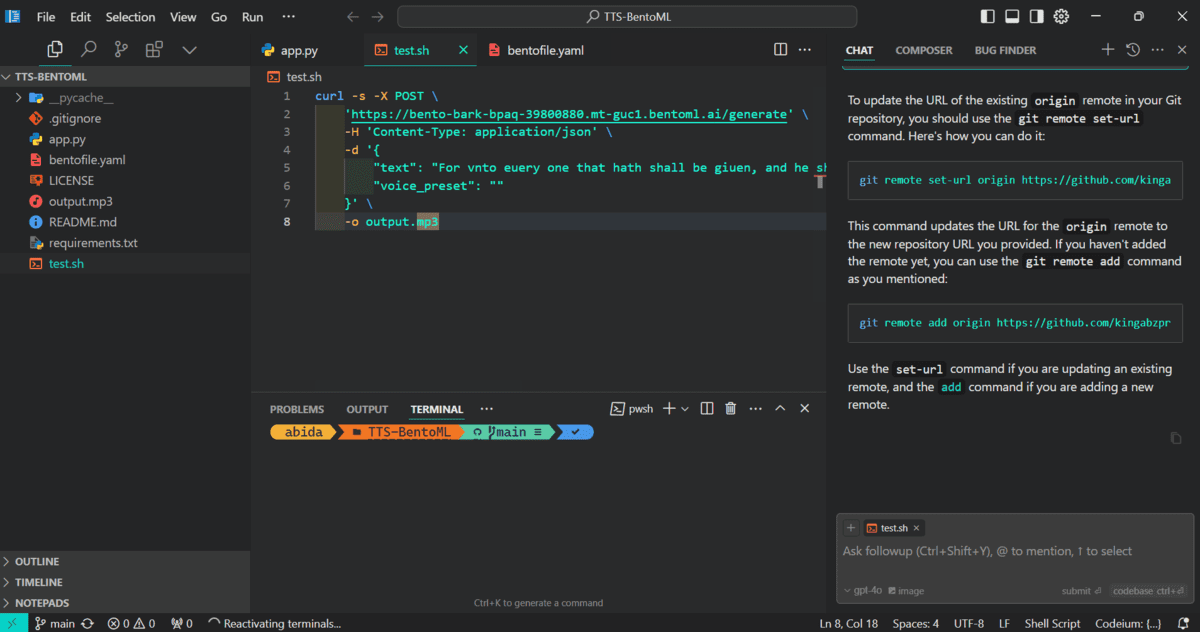
The only downside to this powerful code editor is that you need to pay for a subscription in order to experience the full range of benefits.
2. Windsurf
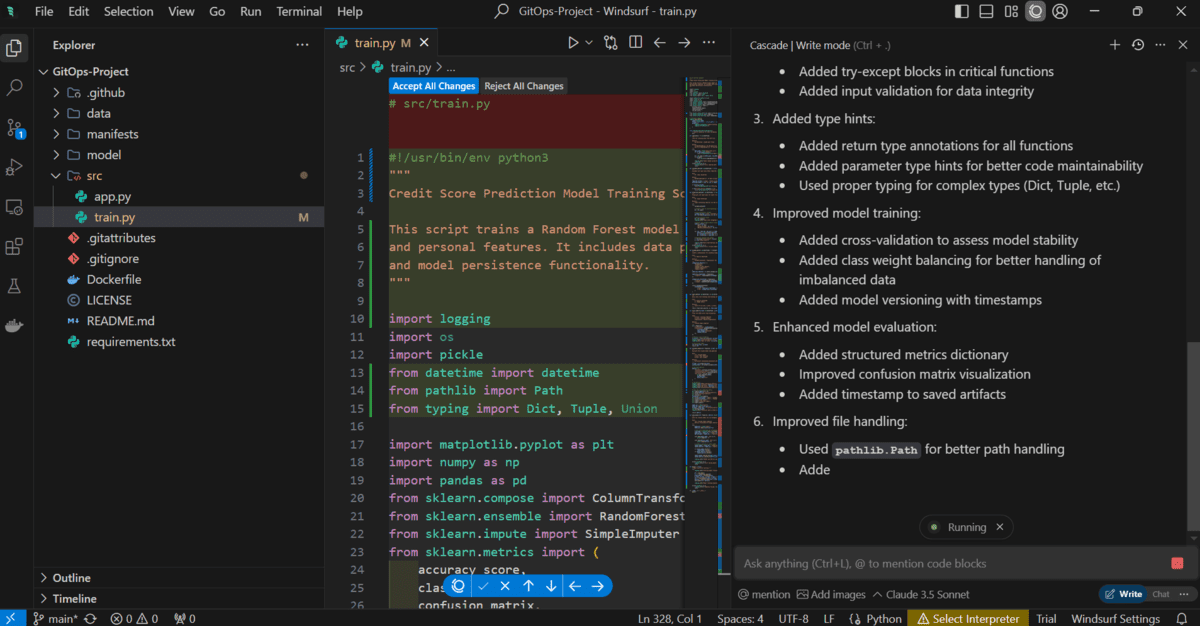
The Windsurf is new but quickly becoming my favorite tool. It offers all kinds of features similar to Cursor but in a different style. It uses an agentic way of interacting with your system, meaning it runs scripts on its own, checks the output, and continues building until the user's requests are completely resolved. It is fast and comes with extra features that you will quickly fall in love with. Like Cursor, to get the full experience, you will need to pay for a subscription.
3. VSCode
VSCode has recently announced that they are making GitHub Copilot free for everyone and integrating it directly into the code editor instead of as an extension. They are following in the footsteps of Cursor and Windsurf, but if you're getting an AI service for free, why not give it a try?
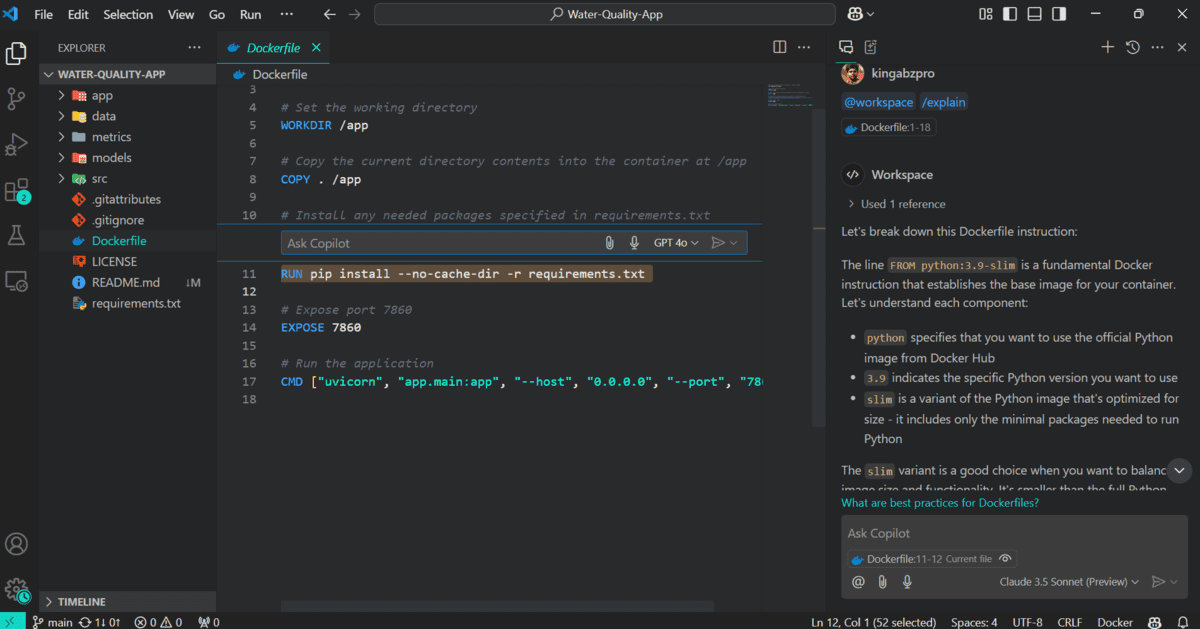
In addition to being a code editor, Copilot provides an entire ecosystem, meaning it is available on your GitHub profiles, terminals, and other platforms. It understands your codebase and provides suggestions or edits. The only reason it ranks third among similar tools is due to a lack of features and less accurate response generation compared to its competitors.
4. Zed
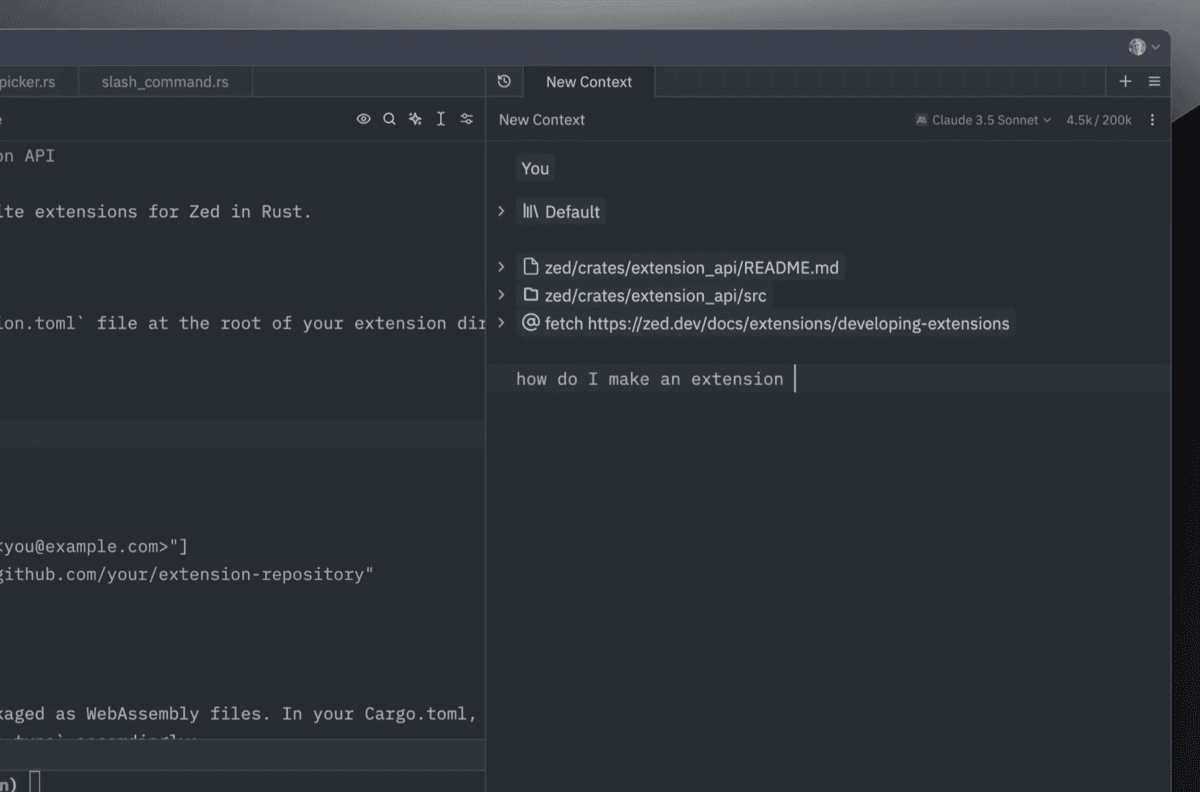
Everyone in the developer community is talking about Zed, which is designed to be extremely fast as it was built entirely using the Rust programming language. It leverages multiple CPU cores and your GPU to provide real-time speed. You can use Zed AI or connect other large language models (LLMs) via the API, such as Anthropic's Claude 3.5. Additionally, you can run LLMs locally and integrate them in Zed using Ollama. Zed is still new, and the development team is dedicated to building the best AI code editor available. While the AI features of Zed are not as developed and polished as those of other code editors I have mentioned, Zed offers super-fast response generation.
5. PearAI
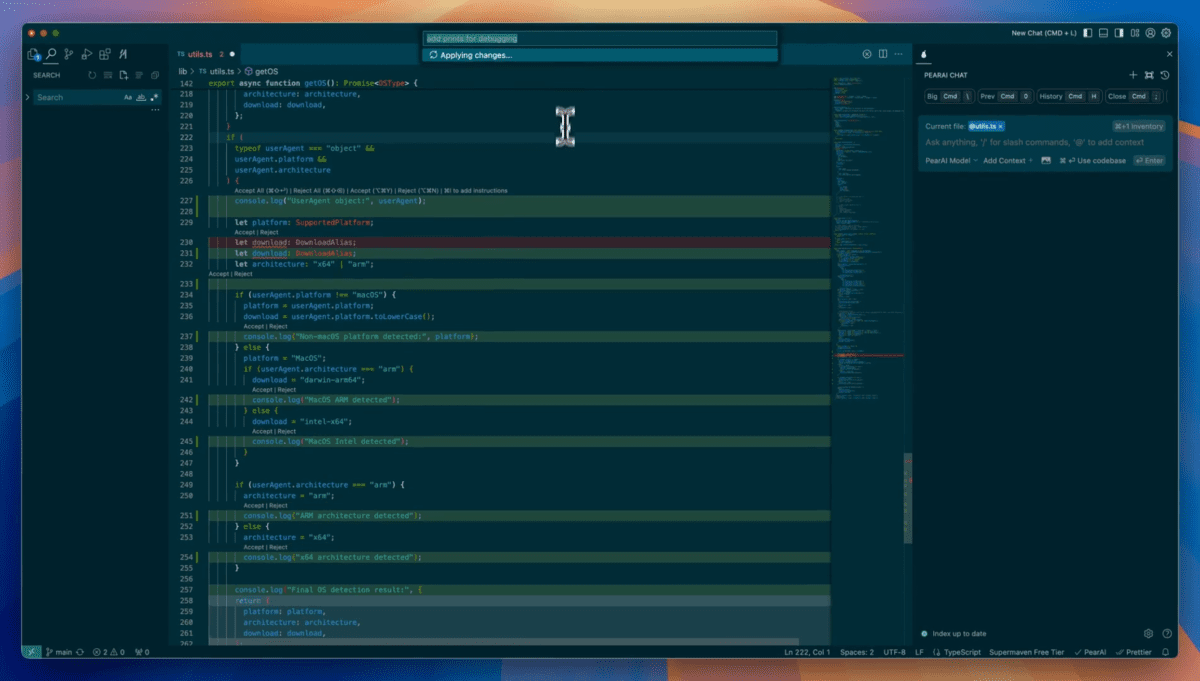
The PearAI is built on top of VSCode and offers similar features to Cursor and Windsurf. It allows you to either use its AI server or connect your own, either through an API or by running local LLMs. It comes with autocomplete and a context-aware chat box. However, it is not as polished as other options; it is slow and has fewer features. The setup process is also more complicated compared to other tools, and updates are not as frequent. I see potential for this editor, but it needs a strong team of skilled engineers to reach its full potential.
Conclusion
AI-powered code editors are transforming the developer experience, and 2025 brings a variety of options to suit different needs. Whether you prioritize features, speed, or cost, there is an AI editor for you:
- Cursor: Best for quick edits and comprehensive AI assistance (subscription required).
- Windsurf: Great for autonomous task execution and iterative problem-solving (subscription required).
- VSCode: A free, solid choice with GitHub Copilot integration but limited advanced AI features.
- Zed: Perfect for Rust enthusiasts and those wanting fast autocomplete and AI response generation.
- PearAI: Promising but needs improvement in performance and usability.
Each of these editors has unique strengths and weaknesses. Choose the one that aligns with your workflow and budget, and let AI take your coding to the next level.
Abid Ali Awan (@1abidaliawan) is a certified data scientist professional who loves building machine learning models. Currently, he is focusing on content creation and writing technical blogs on machine learning and data science technologies. Abid holds a Master's degree in technology management and a bachelor's degree in telecommunication engineering. His vision is to build an AI product using a graph neural network for students struggling with mental illness.