


What I Did with Hermes Agent, Ollama & Local Models
Build a local multi-agent travel planner with Hermes Agent and Ollama: a coordinator and three specialist agents that research destinations, suggest stays, and generate real Google Flights search links.
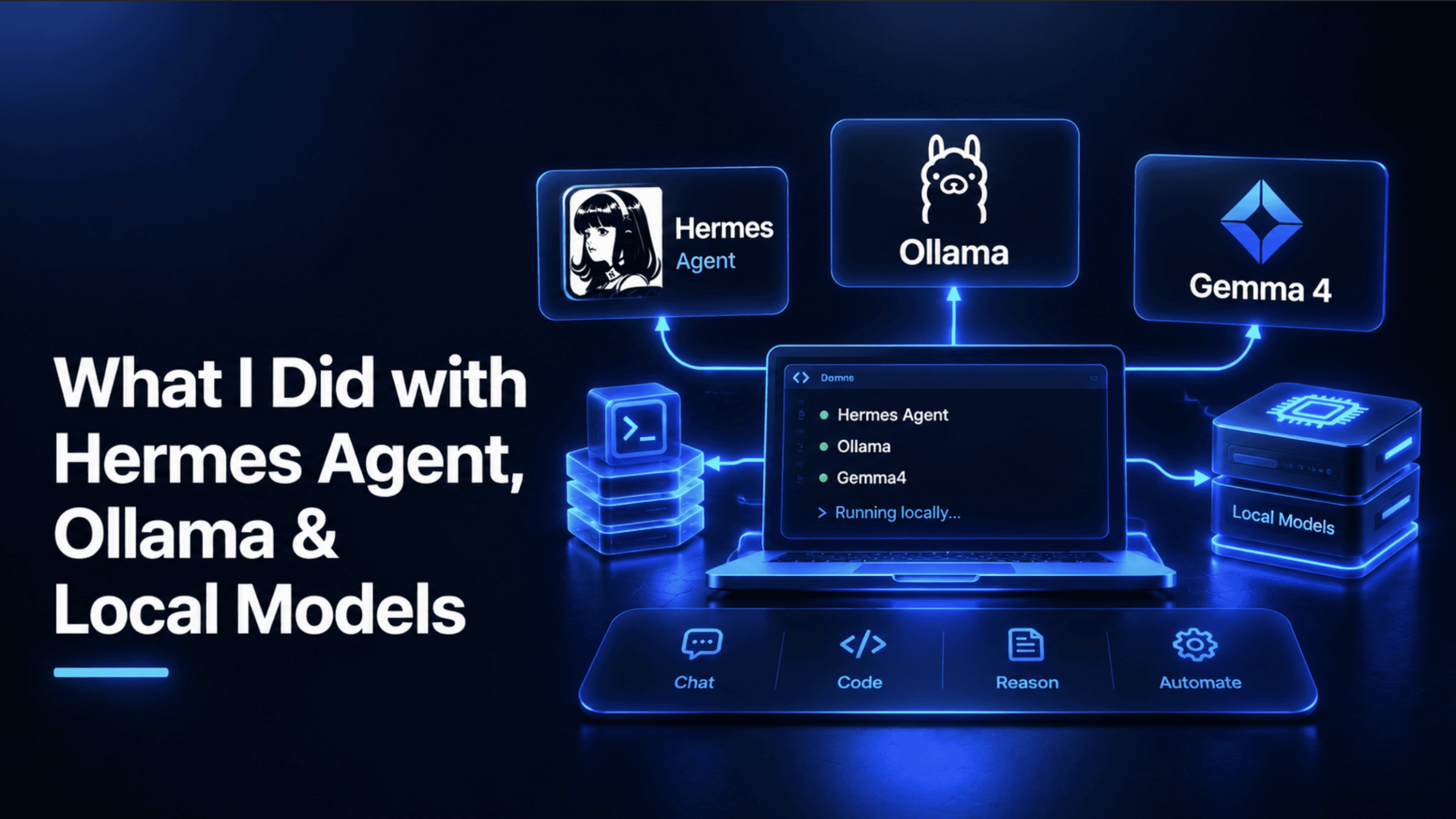
I wanted an AI agent that could actually help me plan a trip, research a destination, suggest where to stay, and find a real flight — without a subscription, without sending every question to a cloud provider, and without a monthly bill creeping up the more I used it. That search led me to two tools worth knowing: Hermes Agent and Ollama. This article is the real project that came out of pairing them: a working, tested, multi-agent travel research team running entirely on my own hardware.
Before the build, though, it's worth actually understanding the two tools doing the work, since most of what makes this project possible traces back to what each one is specifically good at.
Introducing Hermes Agent
Hermes Agent is an open-source AI agent built by Nous Research, released under the permissive MIT license and currently at version 0.21.1 as of this writing. It ships in two ways: a native desktop app for macOS, Windows, and Linux, and a terminal-first CLI. Both give you the same underlying agent, not a stripped-down version.
What separates Hermes from an ordinary chatbot is genuine agentic capability. It can read and edit real files on your machine, run terminal commands, and browse the live web, which is the exact combination this travel project depends on: an agent that can search for current destination information and act on what it finds, not just describe what it would do.
A few features matter specifically for a project like this one. Multi-agent orchestration lets a coordinator agent delegate specific tasks to specialist sub-agents and combine their results, which is the entire architecture behind the travel team built later in this article. Persistent memory means Hermes can remember details across sessions — a stated budget, a past trip, a travel style — rather than starting from zero every time you open it. Its Model Context Protocol (MCP) tool support connects it to any MCP server, including a sandboxed web search tool run in its own isolated container, and its custom tool support means you're not limited to what ships built in, which is how the real flight search tool later in this article gets wired in at all.
Understanding Ollama and Local Models
Hermes needs a language model to actually think with, and that's Ollama's job. Ollama is an open-source tool that downloads, manages, and serves large language models directly on your own computer, exposing them through a local API that behaves exactly like a cloud provider's, just pointed at localhost instead of the internet. That detail is what makes the whole pairing work: because Ollama's API is OpenAI-compatible, Hermes can talk to a model running entirely on your machine using the same integration path it would use for any cloud model.
"Local models" is the other half of this worth understanding plainly. Rather than sending your questions and files to a company's servers and getting billed per token, you run an open-weight model — one whose underlying parameters are published and downloadable — entirely on your own CPU or GPU. Nothing leaves your machine except the specific web searches your agent decides to run, and there's no usage bill, since the only cost is the electricity your computer uses while it's thinking. The trade-off is honest and worth stating plainly too: a local model on consumer hardware won't match a frontier cloud model's raw capability, and it'll typically run slower, especially without a GPU. For a project like the one in this article — research, planning, tool use — that trade-off is a genuinely good deal.
With both tools explained, here's the real project they're being used to build.
Sketching the Idea
The project — call it Wanderlist — works like this: tell it where you want to go, and a coordinated team of local AI agents researches the destination, suggests notable places, points you toward well-regarded places to stay, and hands you a real, ready-to-use flight search link. No request leaves your machine except the actual web searches involved, and there's no subscription or API key beyond what's genuinely free.
Four real jobs, one for each team member: research the destination and its current entry requirements, suggest what's actually worth seeing, point toward reputable accommodation guidance, and generate a real flight search a person can click and use immediately.
Checking Prerequisites and Installing Ollama
The hardware requirement that actually matters here is being able to run a model with real tool-calling support, since a travel research team that can search the web and call custom tools needs a model genuinely capable of both.
| Component | Minimum | Recommended |
|---|---|---|
| RAM | 8 GB | 24+ GB (for a 31B-class model) |
| Storage | 5 GB free | 25+ GB |
| CPU | 4 cores | 8+ cores |
| GPU | Not required | NVIDIA GPU with 8+ GB VRAM |
Install Ollama:
curl -fsSL https://ollama.com/install.sh | shPull a model with real tool-calling support. The same reasoning from earlier applies here: a model without it can chat, but it can't actually delegate tasks or call a custom tool, which is the entire point of a multi-agent team.
ollama pull gemma4:31bCode explanation: gemma4:31b is worth the extra RAM specifically because this project delegates work between four separate agents and calls a custom Python tool, both of which require a model that reliably understands when and how to invoke a tool, not just produce fluent text.
Configuring Hermes to Use Your Local Model
Point Hermes at Ollama's local endpoint in ~/.hermes/config.yaml:
model:
  default: "gemma4:31b"
  provider: "custom"
  base_url: "http://localhost:11434/v1"
Code explanation: provider: "custom" tells Hermes to treat this as a generic OpenAI-compatible endpoint, and base_url points it at Ollama running locally on port 11434. No API key is needed, since Ollama doesn't check for one.
Designing the Travel Team: A Coordinator and Three Specialists
This is the real architecture. A root coordinator receives the trip request and delegates to three specialists, each with a narrow, well-defined job.
agents:
  root:
    description: "Travel planning coordinator"
    instruction: |
      You are a travel planning coordinator. When given a trip request,
      delegate destination research to destination-scout, accommodation
      guidance to stay-finder, and flight options to flight-finder.
      Combine their findings into one clear trip briefing.
    sub_agents: [destination-scout, stay-finder, flight-finder]
    toolsets:
      - type: think
      - type: memory
        path: ./trip_preferences.db

  destination-scout:
    description: "Researches destinations, attractions, and entry requirements"
    instruction: |
      Search the web for current information on the requested destination:
      notable places to visit, best time of year, and any visa or entry
      requirements. Always search fresh for entry requirements, never
      answer from memory, since these change and being wrong has real
      consequences for travelers. Cite where each fact came from.
    toolsets:
      - type: mcp
        ref: docker:duckduckgo

  stay-finder:
    description: "Finds well-regarded neighborhoods and accommodation types"
    instruction: |
      Search the web for current, well-regarded recommendations on
      where to stay in the destination, neighborhoods, accommodation
      styles, and typical price ranges from recent travel sources.
      Never invent specific listings or prices, only report what
      current sources actually say.
    toolsets:
      - type: mcp
        ref: docker:duckduckgo

  flight-finder:
    description: "Builds real flight search links and current price context"
    instruction: |
      Given an origin, destination, and travel dates, use the
      build_flight_search_url tool to generate a real search link.
      Also search the web briefly for current typical fare ranges on
      this route, clearly labeling them as approximate.
    toolsets:
      - type: mcp
        ref: docker:duckduckgo
      - type: custom
        path: ./tools/flight_link.py
Code explanation: the sub_agents list on root is what turns four separate agent definitions into one coordinated team, granting the coordinator a built-in tool to delegate a task to any named specialist and wait for its result before continuing.
Notice the explicit instruction inside destination-scout to always search fresh for entry requirements rather than answering from the model's own training data. This is a deliberate, important safety choice: visa and entry rules change, and a model confidently repeating stale information from memory here isn't a minor error; it's the kind of mistake that could mean someone shows up at an airport without the right documentation.
stay-finder gets the same discipline applied to pricing: an explicit instruction never to invent a specific number, and to only report what a real, current source actually says. flight-finder is the only agent with two toolsets — web search for context and a custom tool pointing at a Python file, which is the honest flight search mechanism this whole project is built around.
Building a Real Flight Search Tool
This is the piece the whole project depends on being honest. Since no free, real-time flight-pricing API currently exists, the practical, genuinely useful move is generating a real Google Flights search URL using its natural-language query parameter, something that requires no API key at all and produces a link that actually works.
# tools/flight_link.py
import urllib.parse
from datetime import datetime


def build_flight_search_url(origin: str, destination: str, depart_date: str, return_date: str | None = None) -> str:
    """Builds a real Google Flights search URL. Raises ValueError on
    malformed input rather than silently producing a broken link."""
    if not origin.strip() or not destination.strip():
        raise ValueError("Origin and destination cannot be empty")

    try:
        datetime.strptime(depart_date, "%Y-%m-%d")
    except ValueError:
        raise ValueError(f"depart_date must be in YYYY-MM-DD format, got '{depart_date}'")

    query = f"Flights from {origin.strip()} to {destination.strip()} on {depart_date}"
    if return_date:
        try:
            datetime.strptime(return_date, "%Y-%m-%d")
        except ValueError:
            raise ValueError(f"return_date must be in YYYY-MM-DD format, got '{return_date}'")
        query += f" returning {return_date}"

    encoded_query = urllib.parse.quote(query)
    return f"https://www.google.com/travel/flights?q={encoded_query}"
Code explanation: urllib.parse.quote is what makes this genuinely reliable rather than a fragile string concatenation; it percent-encodes every space and special character in the query so multi-word city names like "Ho Chi Minh City" or "New York" produce a correctly formed URL rather than one that breaks the moment it hits a browser.
The two try/except blocks around date parsing exist specifically so a malformed date raises a clear, immediate error the calling agent can react to and ask the user to correct, rather than silently producing a link that points nowhere useful.
Giving the Team Memory
The memory toolset on the coordinator, path: ./trip_preferences.db, means the team can remember things across sessions rather than starting fresh every conversation: a stated budget range, a preference for boutique stays over big chains, a past trip that came up. That persistence is what turns this from a one-off script into something that actually gets more useful the more you use it, since Hermes' memory system is designed specifically to learn from context over time rather than resetting with every new session.
Running a Real Trip-Planning Session
Launch the team:
hermes run travel-team.yamlA real query:
You: I want to go to Portugal in mid-October, flying from Madrid, Spain.
     Budget-conscious, interested in history and food.
Here's what happens next, in order: the coordinator receives the request and delegates three tasks. destination-scout searches for current Portugal travel information, entry requirements for Spanish citizens specifically (since those change and must never be answered from memory), and attractions relevant to history and food.
stay-finder searches for well-regarded, budget-conscious neighborhoods in Lisbon and Porto from recent travel sources. flight-finder calls build_flight_search_url("Madrid", "Lisbon", "2026-10-14") and separately searches for current typical fare context on that route. The coordinator then combines all three into one trip briefing, with a real clickable flight search link, sourced destination information, and accommodation guidance clearly labeled as guidance rather than live listings, and stores the budget-conscious, history-and-food preference in memory for next time.
Wrapping Up
What we shipped here isn't a flashy demo; it's a real, working local project: a coordinated team of specialist agents, running entirely on local hardware through Hermes and Ollama, that researches a destination, suggests where to stay, and hands back a genuinely usable flight search, all for the cost of the electricity to run it.
Shittu Olumide is a software engineer and technical writer passionate about leveraging cutting-edge technologies to craft compelling narratives, with a keen eye for detail and a knack for simplifying complex concepts. You can also find Shittu on Twitter.