


Top 5 Open-Source Alternatives to OpenAI Dots
Explore top open-source alternatives to OpenAI Dots for building always-on AI agents with persistent memory, task automation, custom skills, and local deployment.
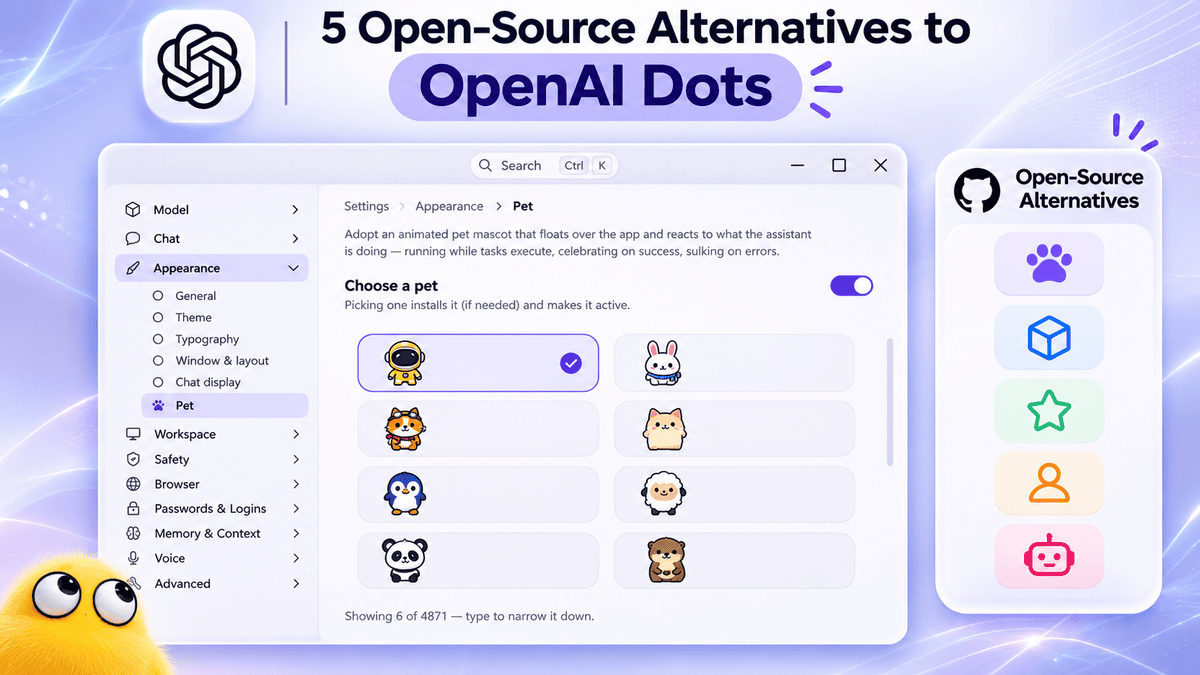
What if you had an AI assistant that worked for you 24/7, even when you're sleeping or away from your computer? That's the idea behind OpenAI Dots, an always-on AI agent that brings the personal assistant experience popularized by projects like OpenClaw into ChatGPT.
You can interact with it from your phone, give it instructions, schedule tasks, connect your favorite apps, and let it work in the background. It can research topics, manage emails, monitor projects, build websites and applications, and even use coding tools and reusable skills to complete more complicated tasks.
Unlike a regular chatbot, Dots has its own cloud computer, remembers your ongoing projects, and can continue working without constant instructions. It can also ask for your approval when important decisions need to be made.
But what if you want the same experience without depending entirely on OpenAI? What if you want to run your own agent, choose your AI models, install custom skills, and have more control over your data?
In this article, we will explore five open-source alternatives to OpenAI Dots that offer persistent memory, automation, messaging integrations, and tools for building your own always-on AI assistant.
1. OpenClaw
OpenClaw is probably the closest open-source alternative to OpenAI Dots.
It's a personal AI assistant that runs on your computer or server and connects to messaging platforms like WhatsApp, Telegram, Slack, Discord, and more.
What makes OpenClaw interesting is that it doesn't just wait for your next message. You can configure scheduled tasks and heartbeat checks so it can monitor ongoing work, send updates, and remind you about important things.
It also supports persistent memory, browser automation, custom skills, and different AI models.
You get a web-based Control UI to manage your assistant, conversations, and settings.
The biggest drawback is setup and maintenance. Since you're running it yourself, you need to configure its tools, security, and model access.
2. Hermes Agent
Developed by Nous Research, Hermes Agent takes a slightly different approach to personal AI assistants.
Instead of only remembering conversations, it focuses on learning from experience.
For example, when Hermes completes a task, it can turn useful knowledge into reusable skills. Over time, it can improve those skills, search previous conversations, and remember information about your preferences and ongoing projects.
It also supports scheduled jobs, subagents, messaging integrations, and different language models.
Another useful feature is Hermes Desktop, which provides a proper interface for chatting, managing skills, viewing tool activity, and working with files. A browser dashboard is also available.
It's particularly interesting if you want an assistant that becomes more useful as you continue working with it.
3. QwenPaw
QwenPaw, previously known as CoPaw, is an open-source personal assistant built around persistent memory, automation, and agent collaboration.
One of its interesting features is its three-layer memory system. It maintains working context, conversation history, and a personal knowledge base that can evolve over time.
You can also create multiple agents with their own memories and skills and have them collaborate on more complicated tasks.
QwenPaw supports scheduled execution, messaging platforms, browser tools, and document processing.
It comes with a web console and a desktop application, although the desktop version is still in beta.
You can use commercial AI APIs or run supported models locally, giving you more control over cost and privacy.
4. OpenHuman
OpenHuman is another interesting alternative, especially if you want an AI assistant that works directly on your computer.
It's built using Rust and takes a local-first approach to memory, agent execution, and automation.
You can use its desktop application to interact with agents, manage workflows, and work with files and applications.
It supports browser and computer automation, persistent memory, scheduled workflows, and approval steps for actions that need your permission.
What makes it different is its focus on efficiency and running multiple agents with relatively low infrastructure overhead.
However, OpenHuman is still in early beta, so you should expect some rough edges.
5. nanobot
If you're looking for something lightweight, nanobot is worth exploring.
It's a Python-based personal AI agent that can run locally or on your own server.
Despite its relatively small architecture, it supports persistent memory, scheduled automations, web tools, file operations, and integrations with messaging platforms.
It also comes with a browser-based interface where you can manage conversations, view tool executions, configure models, and monitor automation tasks.
Another advantage is its flexibility. You can connect commercial AI providers or use locally hosted models through tools like Ollama.
For developers who want to understand, customize, and extend their personal AI assistant, nanobot provides a practical starting point.
Comparing Open-Source Alternatives to OpenAI Dots
To help you choose the right personal AI assistant, here's a quick comparison of all five open-source alternatives based on their popularity, interfaces, key features, and licenses.
| Project | GitHub stars | Interface | Key strength | License |
|---|---|---|---|---|
| OpenClaw | ~394K | Web + apps | Always-on assistance | MIT |
| Hermes Agent | ~260K | Web + desktop | Memory and reusable skills | MIT |
| QwenPaw | ~37.4K | Web + desktop beta | Multi-agent collaboration | Apache 2.0 |
| OpenHuman | ~42.6K | Desktop + web | Computer automation | GPL-3.0 |
| nanobot | ~49.8K | Web + terminal | Lightweight personal agent | MIT |
Abid Ali Awan (@1abidaliawan) is a certified data scientist professional who loves building machine learning models. Currently, he is focusing on content creation and writing technical blogs on machine learning and data science technologies. Abid holds a Master's degree in technology management and a bachelor's degree in telecommunication engineering. His vision is to build an AI product using a graph neural network for students struggling with mental illness.